Light keeps going for kilometres.
Copper runs out at 100 m. Fibre guides laser light down a glass core by total internal reflection: no electrons, no crosstalk, no lightning surge, nothing to tap without cutting glass.
Multimode (50 µm core) lets light take many paths. Rays arrive at different times, which is modal dispersion, and it smears fast signals. That is why OM1 dies at 33 m of 10G.
Single-mode (9 µm core) allows exactly one path. Almost no dispersion, about 0.4 dB per km of loss: 10 km on cheap optics, 100 km and up with the right lasers.
Multimode, OM1 to OM5
Fat 50 to 62.5 µm core, cheap 850 nm VCSEL transceivers, easy to connectorise. Reach: tens to hundreds of metres. The LAN and datacenter default inside buildings. Orange, aqua and lime jackets, LC duplex.
Single-mode, OS2
Hair-thin 9 µm core, laser optics, pennies per metre of cable. Reach: kilometres. Use it between buildings, across campus, and anywhere you might want faster optics later without re-pulling. Yellow jacket, ready for faster optics.
Run fibre when
- Past 90 m: copper’s limit is timing, not effort
- Between buildings (no copper means no lightning path)
- EMI anywhere: factories, hospitals, substations
- You want 40 or 100G later with only an optic swap
- Security matters: glass cannot be clipped onto
Stick with copper when
- Under 90 m to a desk, access point, camera, TV
- The device needs PoE power too
- Budget is tight and 10G is plenty
- You will be re-terminating by hand a lot
Read the jacket like a label.
Live from the Bun backend (GET /api/fiber). Jacket colour is standardised: orange, aqua, lime, yellow. Identify glass from across the room.
| Fibre | Core | Light | 1G | 10G | 40 and 100G | Pull it for |
|---|
House rule: between buildings, or where 100G may come one day, pull OS2. The cable is cheap, the labour is not, and LR optics cost less than you think. Inside one datacenter row, take OM3 or OM4 with cheap SR optics.
LC won. MPO runs the big rooms.
LC, the Lucent Connector
Tiny 1.25 mm ceramic ferrule; the duplex clip holds transmit and receive as one. About 70 percent of new LAN and SAN installs. Reversed-polarity uniboot leads fix transmit and receive swaps without re-terminating.
Polarity matters: fibre runs transmit to receive, so one end must flip (Method A, B or C for MPO, A-to-B duplex patch). No link light? Swap the pair at one end first. It fixes half of all “dead fibre” calls. And APC (green, angled) must never mate with UPC (blue, flat).
Do not connectorise by hand. Splice a pigtail. Or buy pre-terminated.
The sane paths: fusion-splice factory pigtails onto the pulled cable, use mechanical splices for one-offs, or skip all of it with a pre-terminated trunk plus patch panels.
- 1
Strip to bare glass, gently
Remove jacket, aramid and 900 µm buffer with proper strippers. Glass cladding is 125 µm and scratches if you look at it wrong.
- 2
Clean, then cleave
Lint-free wipe plus 99 percent-plus isopropyl, then a precision cleaver for a mirror-flat 90-degree end face. A bad cleave is a bad splice, always.
- 3
Fuse it
The fusion splicer aligns cores and arcs them together (about 0.05 dB loss). Slide the heat-shrink sleeve over first. Everyone forgets once.
- 4
Protect and park
Shrink the sleeve, coil service slack in the splice tray (30 mm bend radius or more), label both ends.
- 5
Test with light, not hope
Light source plus power meter (or OTDR for long runs) and keep the loss report. The red visual fault pen is for continuity only, never for loss.
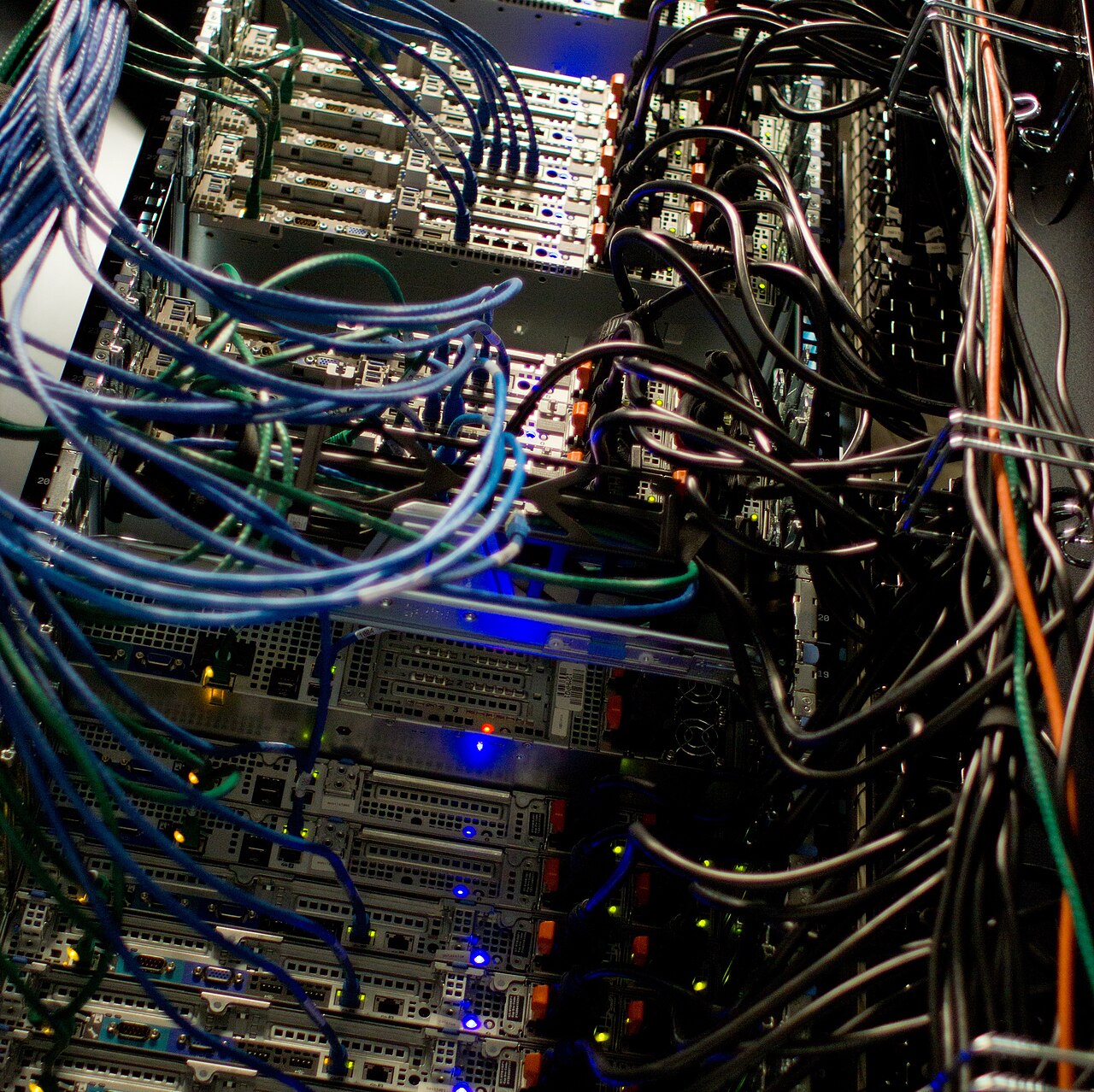
The far end of every run: patch panels, labelled both ends. Photograph: Victorgrigas, CC BY-SA 4.0, via Wikimedia Commons.
Eye safety: never look into live fibre (invisible IR burns retinas). Bin every offcut immediately: glass splinters are invisible and hate skin. Isopropyl plus wipes, no compressed-air cans on end faces.
Spend the light budget on purpose.
Every connector spends light. Count it before the link does.